
For the job that gets interrupted
Cooking, repairs, assembly, garden work and lab protocols all have a moment when you must walk away.
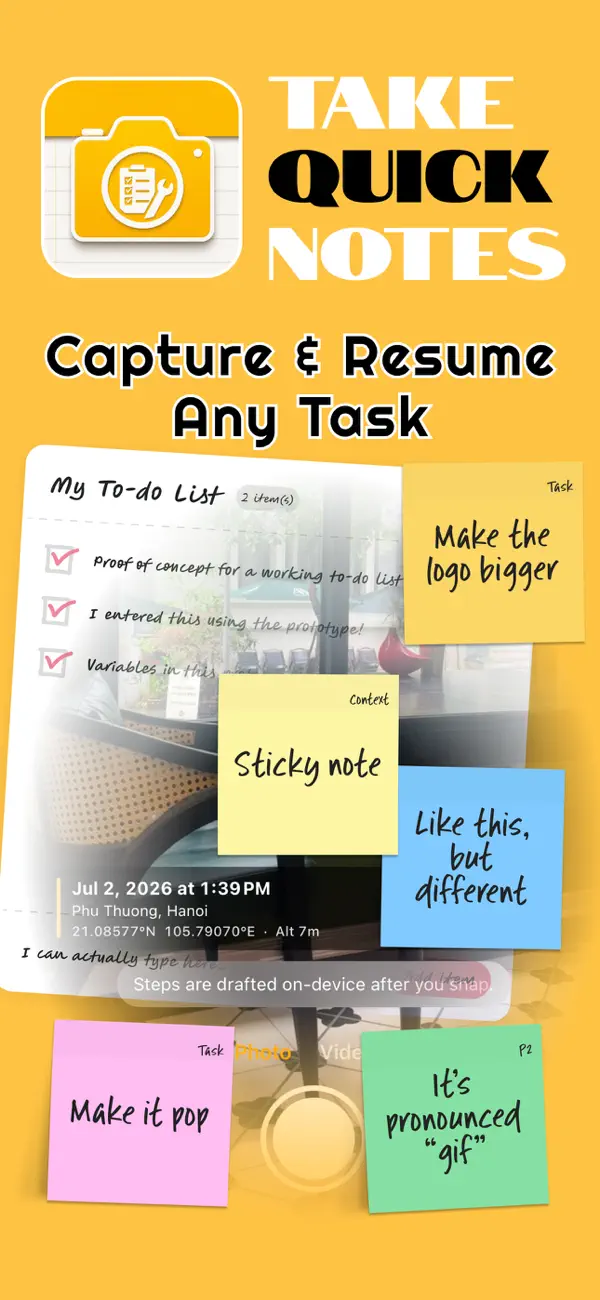
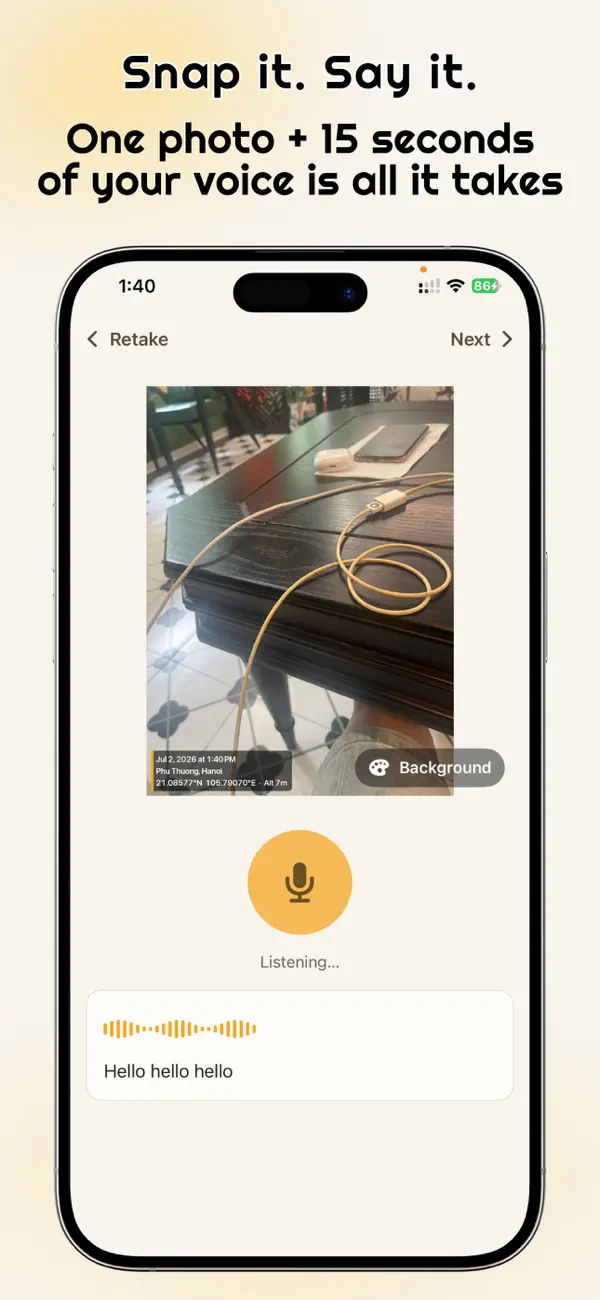
- Snap it. The app opens straight to the camera so you can photograph where you stopped.
- Say it. Hold to narrate what you did and what is left, transcribed on your device.
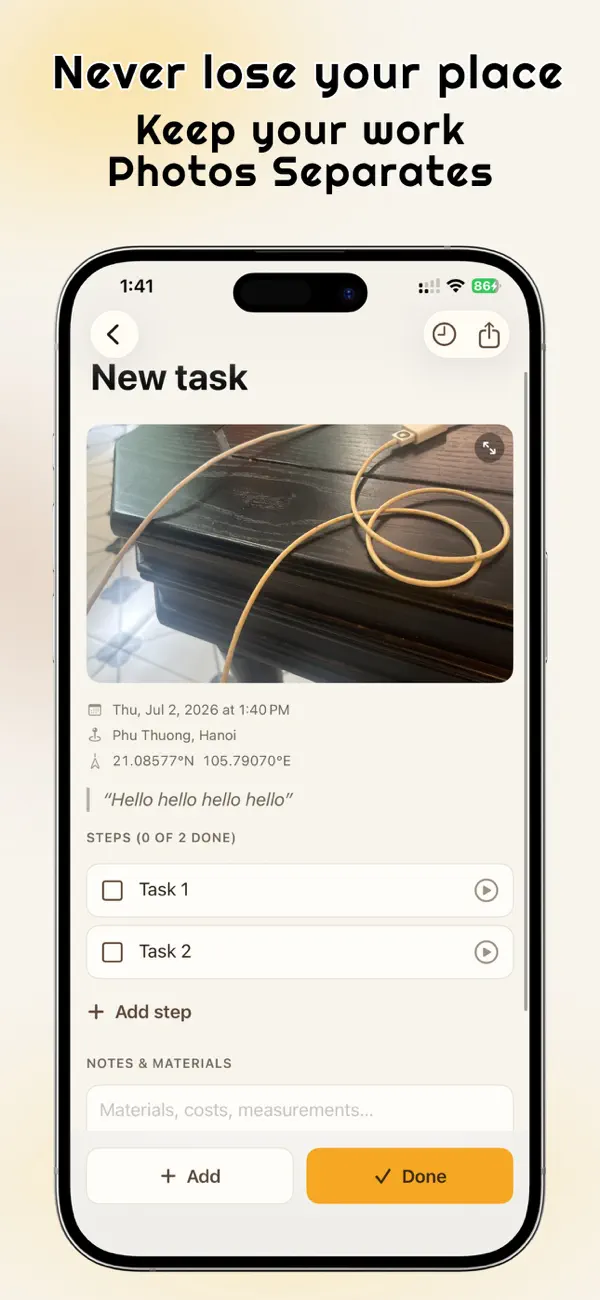
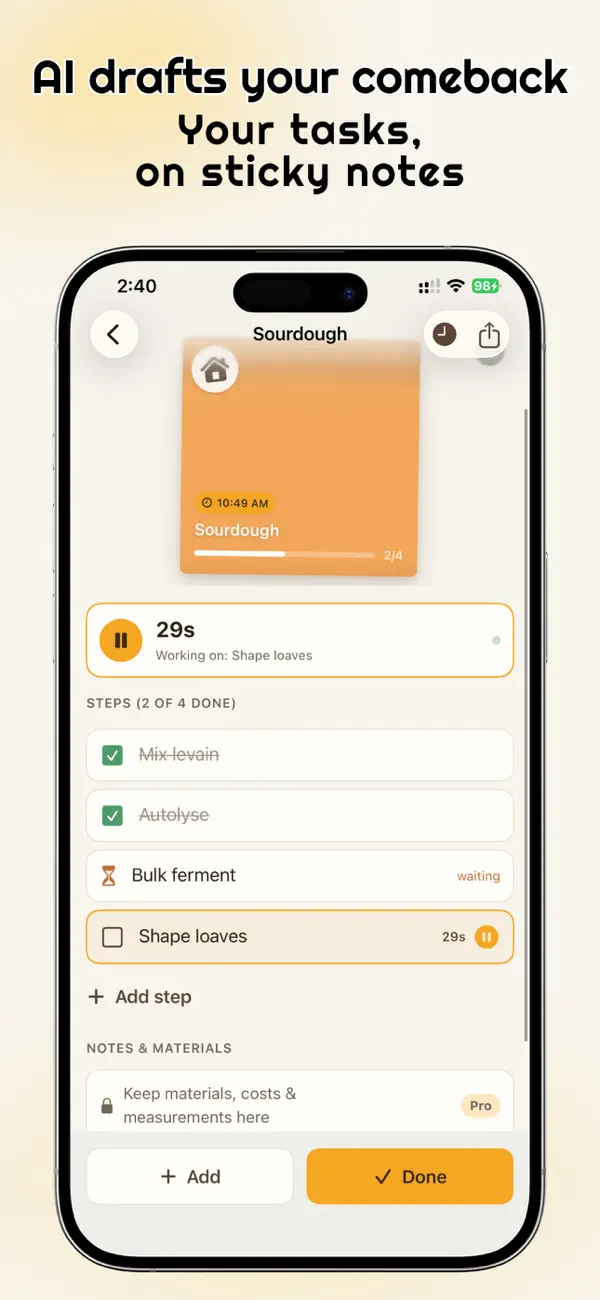
- Review the draft. Apple Intelligence turns your capture into a checklist you can edit, and you confirm every step.
Coming back
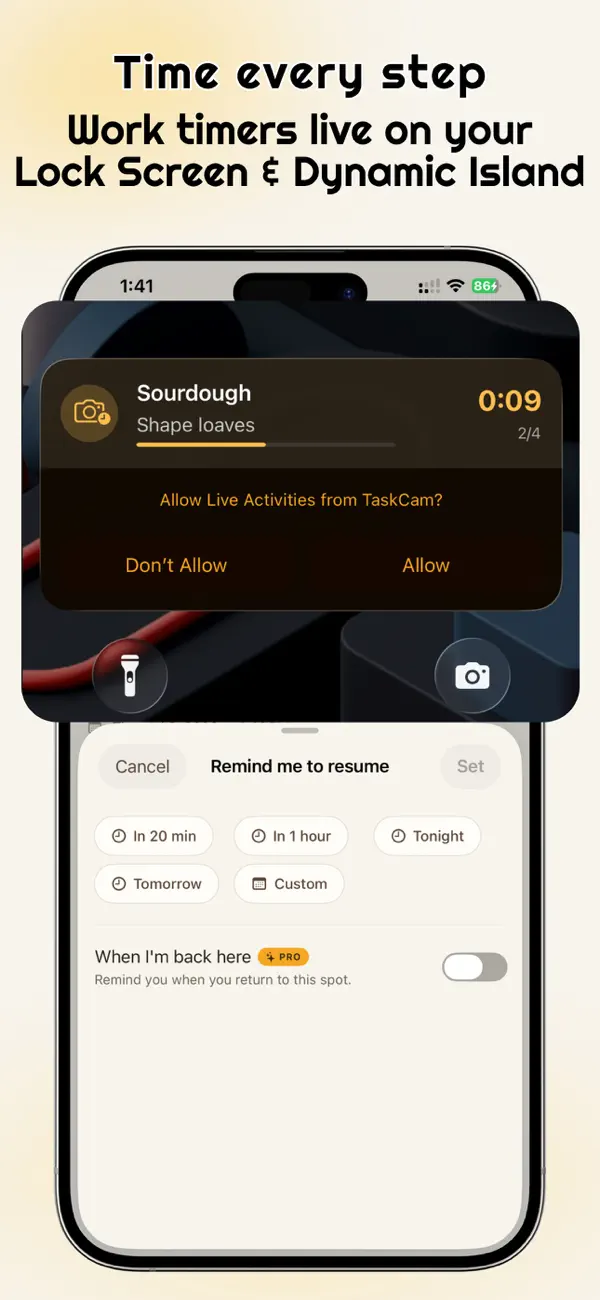
A board of sticky notes shows every paused task. One tap brings back the photo, your voice note and the remaining steps. Work timers appear as a Live Activity, and wait timers ring when it is time to return.