
Set like a typesetter would
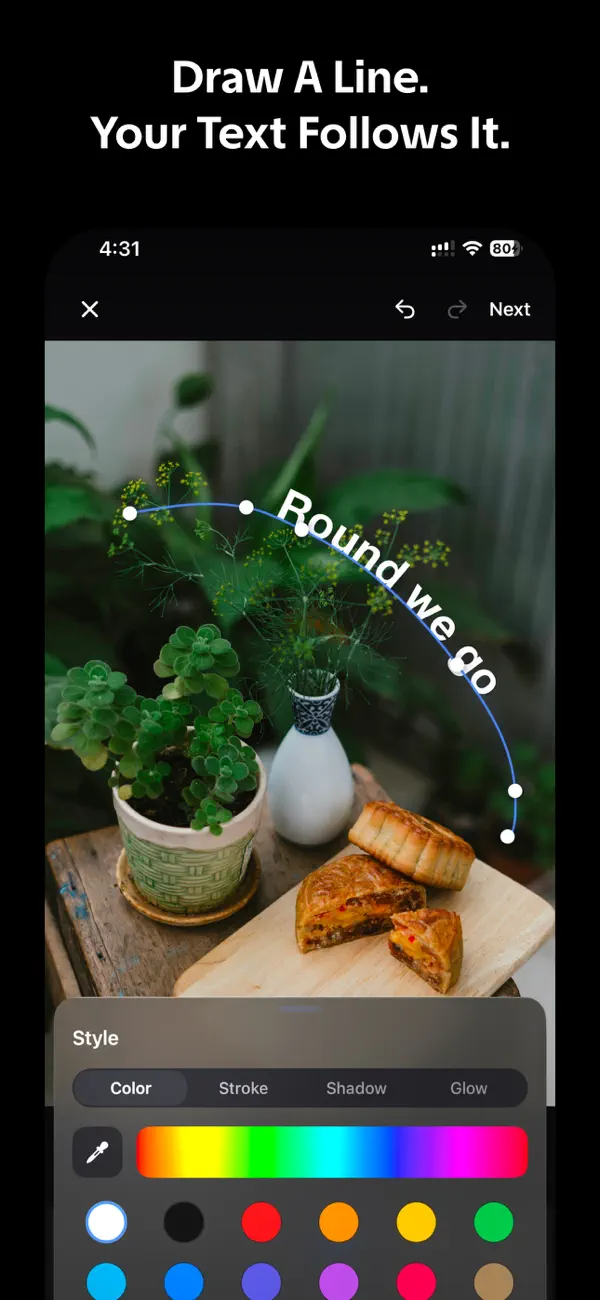
Kerve measures the real arc length of your curve and places each glyph by its own width. Tracking stays even on a tight bend, and text on the underside of a circle still reads the right way up. Drag the line and the letters reflow instantly.
Photos and video
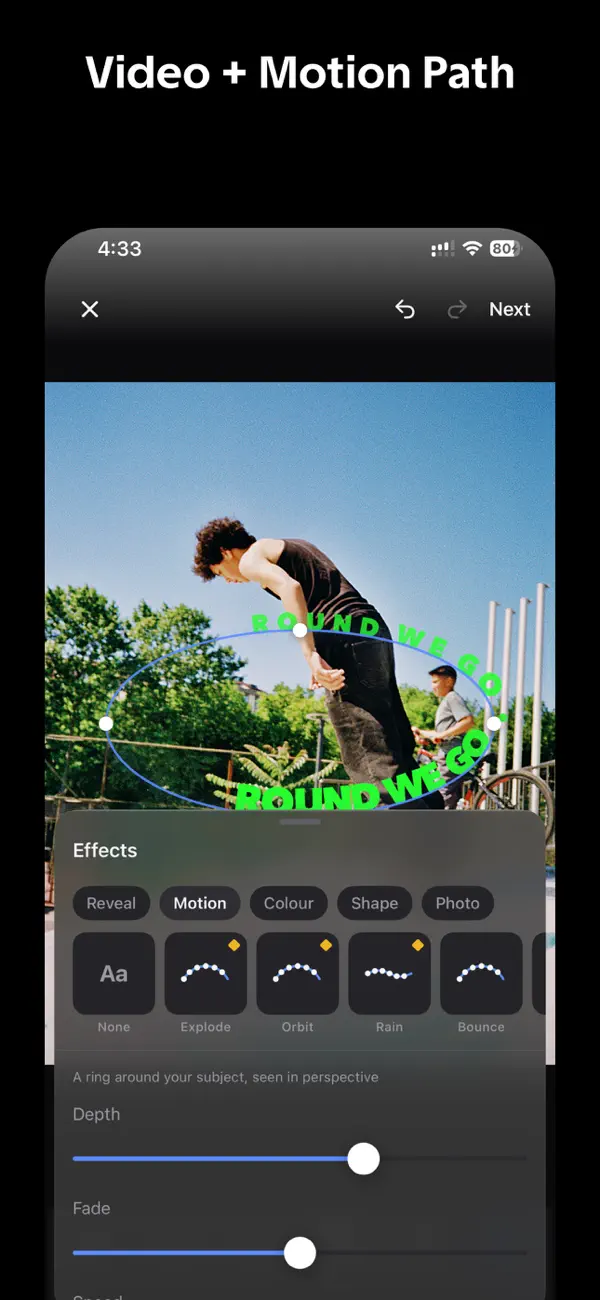
Work over a photo, or over a video where the letters travel along the line as the clip plays.
Start anywhere
- Draw freehand and let Kerve smooth out the shake.
- Snap a rough loop to a perfect circle, arc or wave.
- Choose among 80 ready-made lines, such as ribbons, badges and spirals.
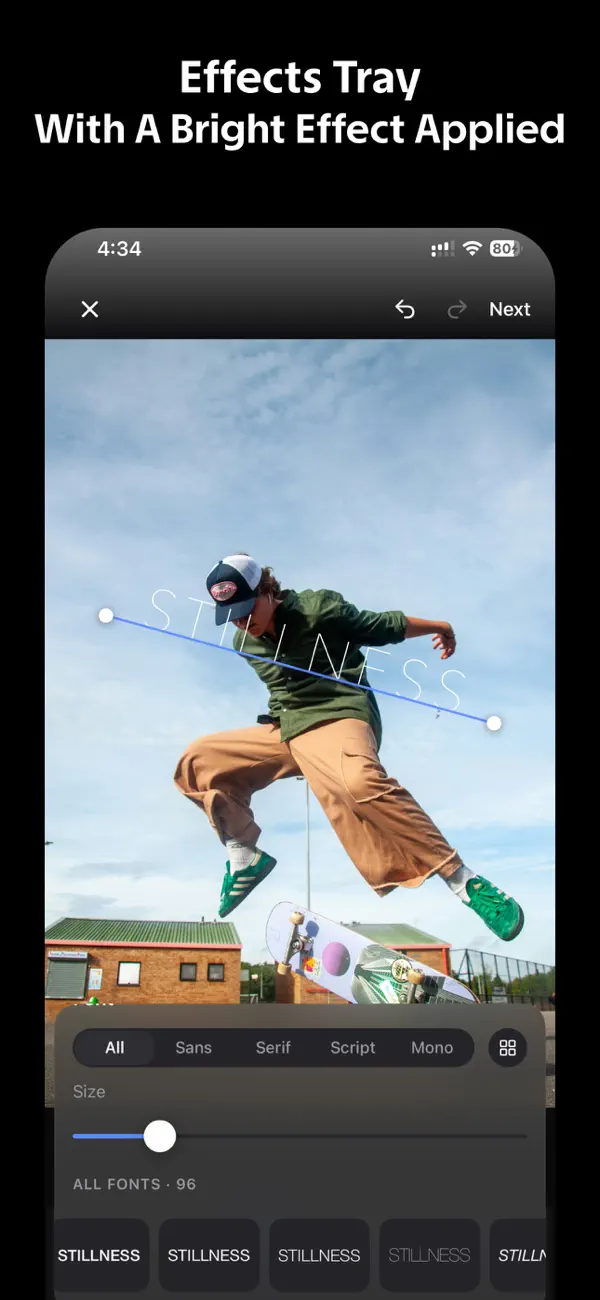
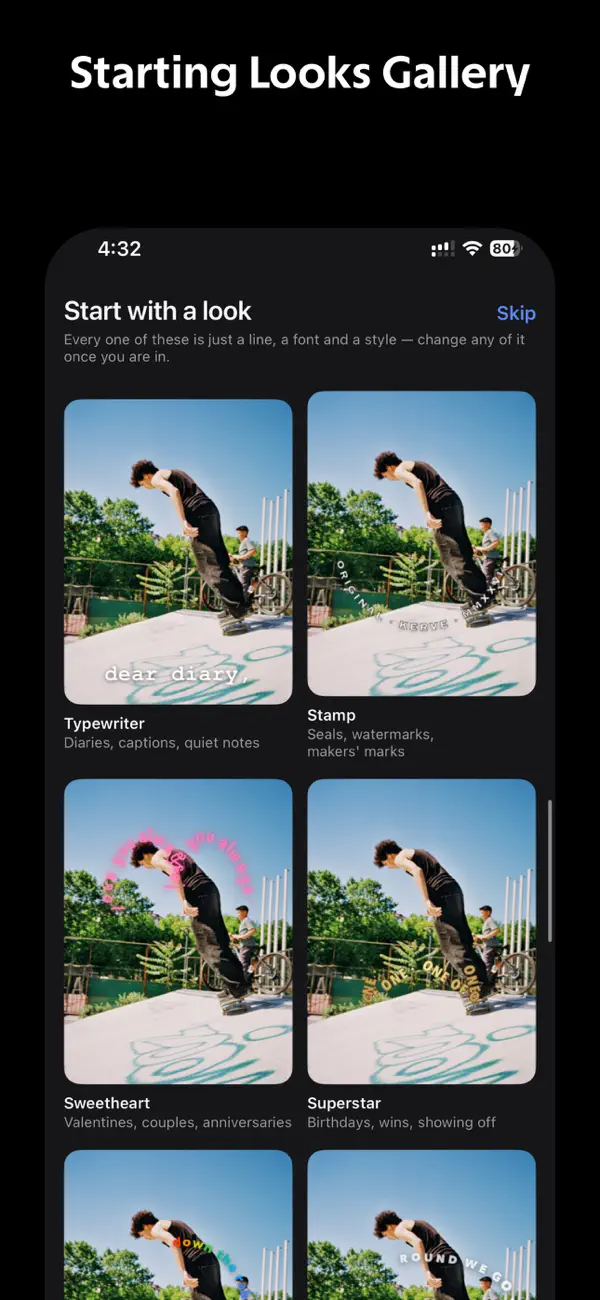
- Apply one of 28 Starting Looks, then add neon, pop, bounce and other effects from a set of 25.