
The two-second rule, measured
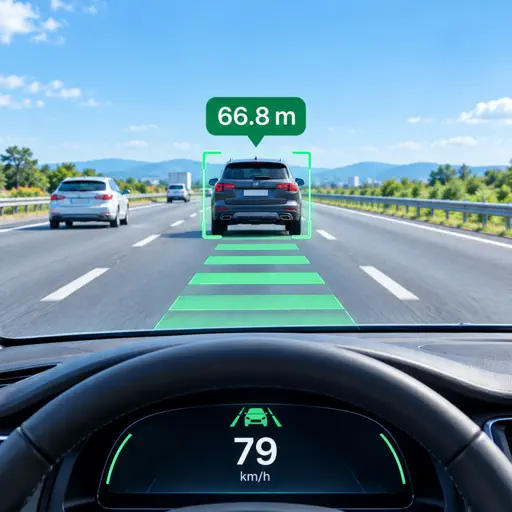
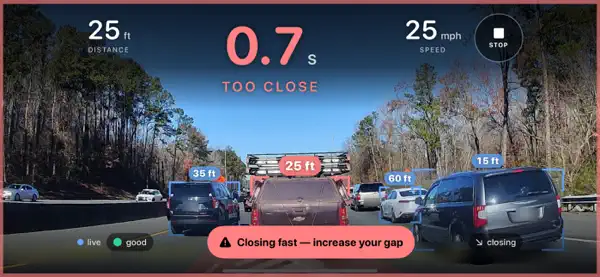
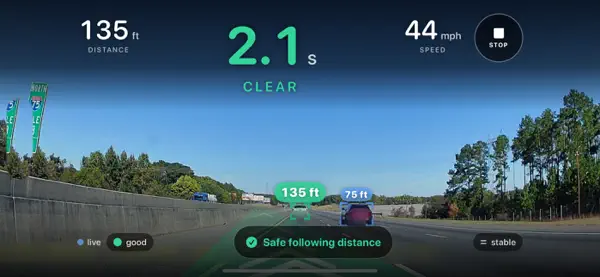
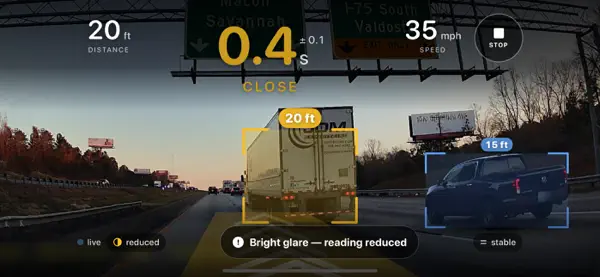
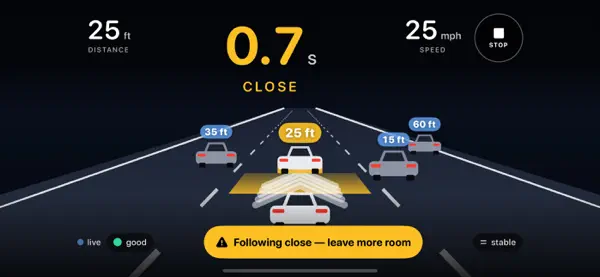
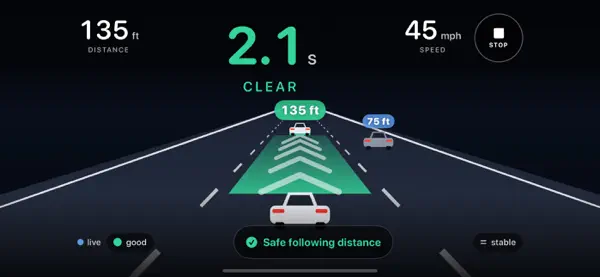
Everyone knows the rule, but few people can judge it. GapMeter finds the vehicle in your lane and shows your following time in seconds, along with distance and speed.
Set it up once
- Mount your iPhone on the dashboard or an air vent, with the rear camera facing the road.
- Complete the one-minute guided setup, which levels the mount and learns your vehicle.
- Tap Start and drive.
You do not need to look at the screen. If you close in quickly, a tone plays over your music or car speakers without interrupting navigation, and you get a summary when you stop.
GapMeter supports attentive driving and does not replace it.